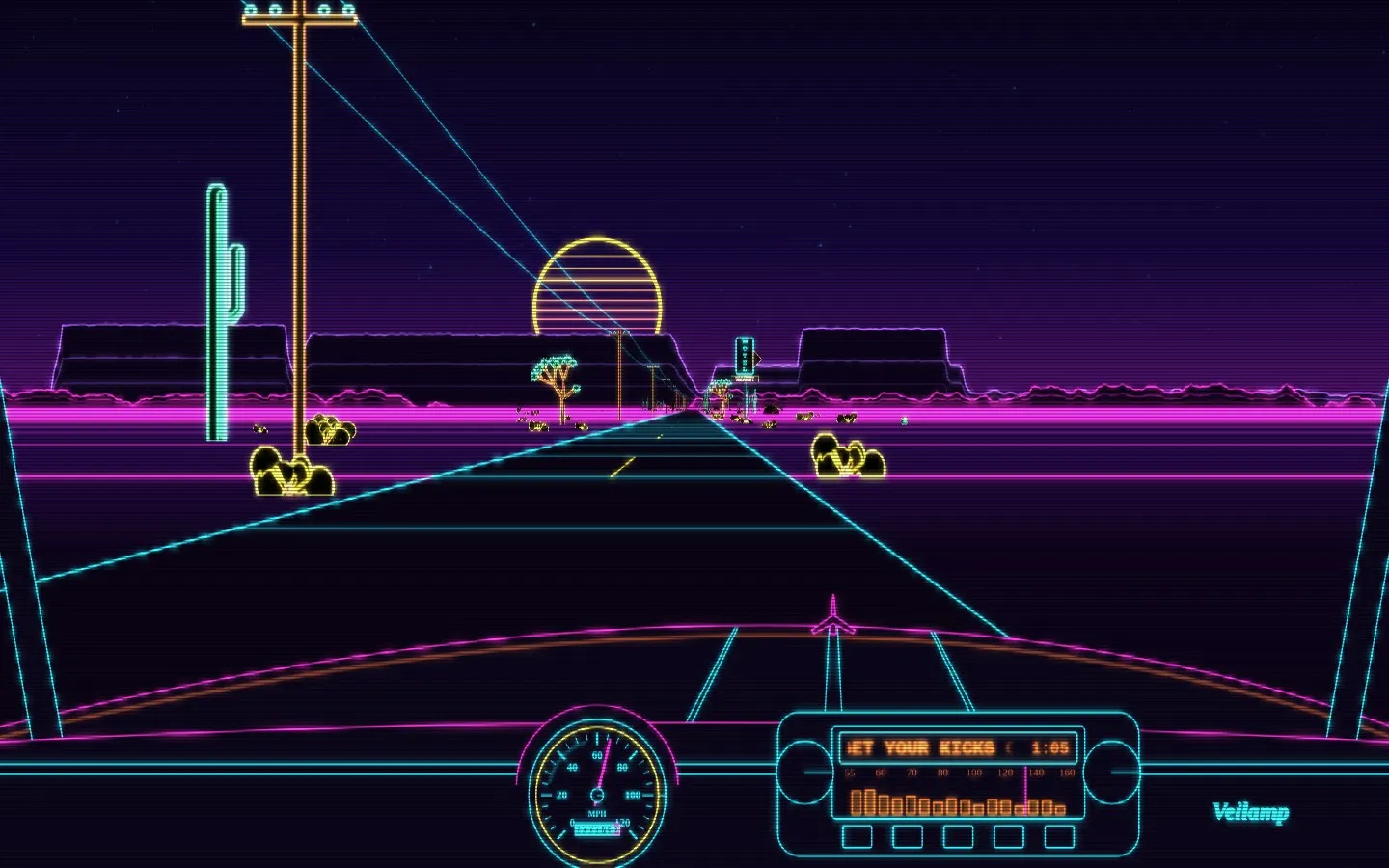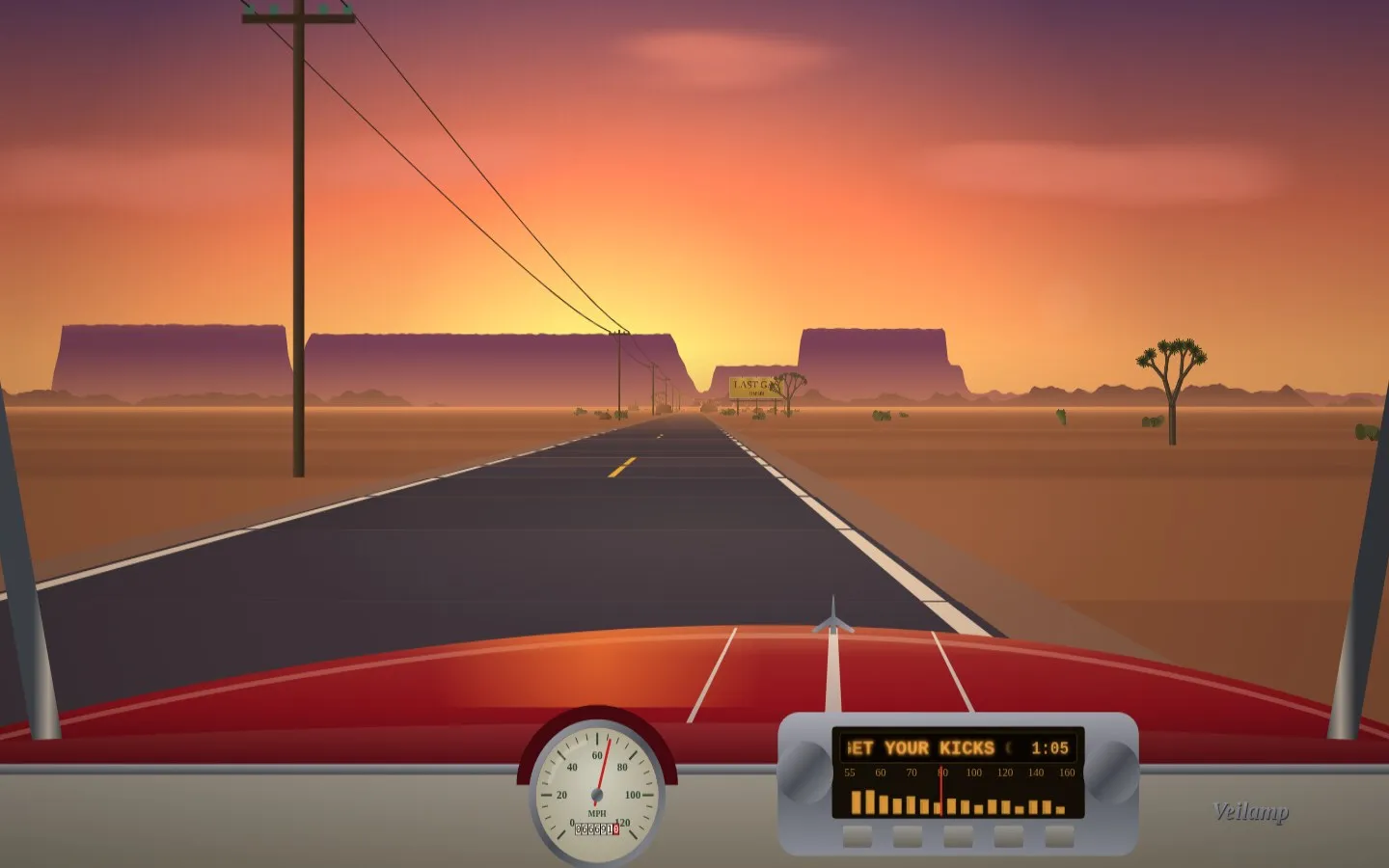
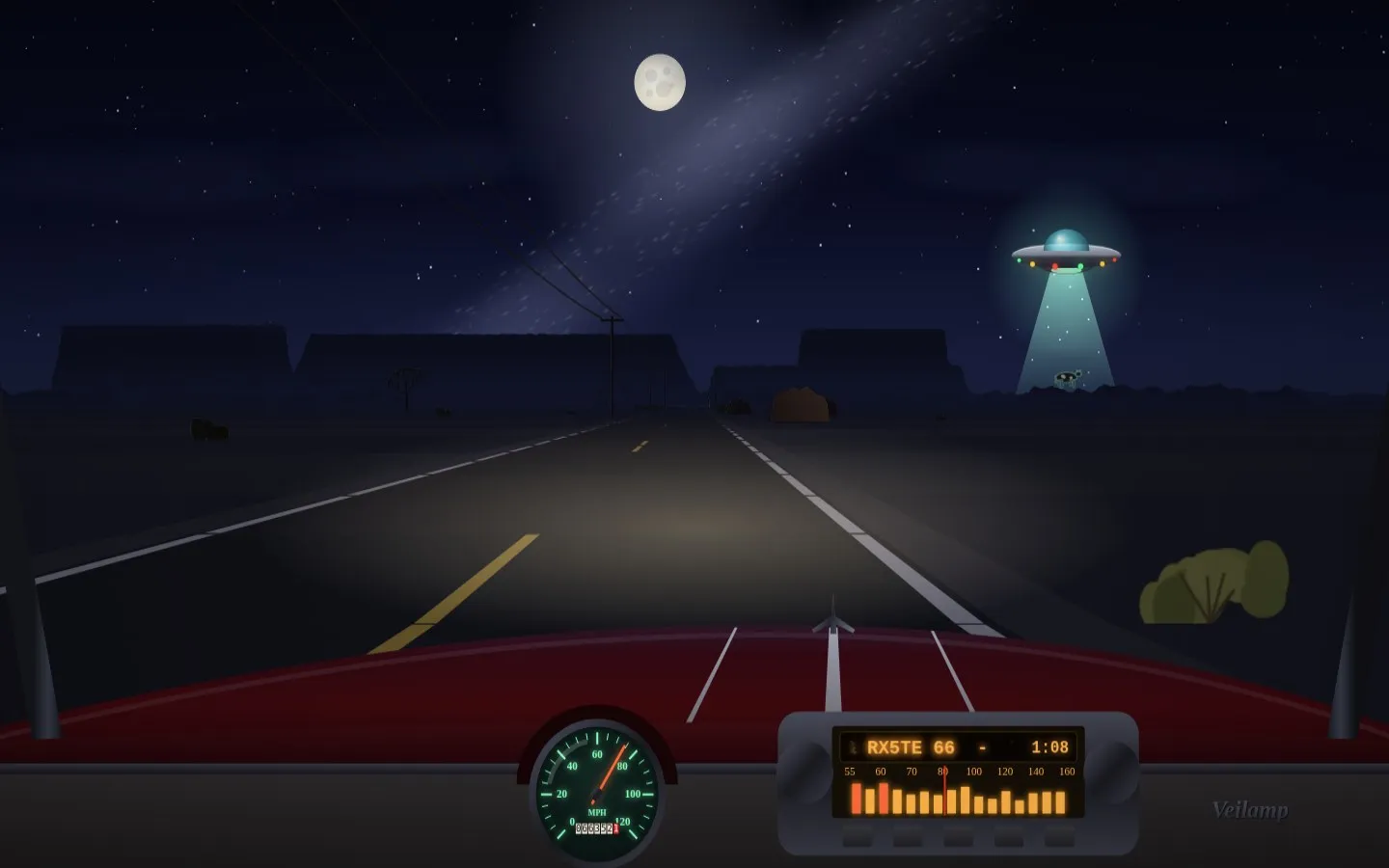
Route 66 puts you in the driver’s seat of a cherry-red convertible on an endless desert highway. Mesas, saguaros, Joshua trees, motels, gas stations and billboards roll past while the sky turns through afternoon, sunset, a starry night and dawn. Each drive starts at a random hour.
The music drives the car:
- The overall level sets the speed, and the speedometer follows it.
- Beats kick the suspension, and the bass pulses the sun’s glow.
- Loud stretches lay down bends and hills ahead, so you can watch a song’s energy come towards you from the horizon.
- The dash radio’s EQ dances to the spectrum, and its amber readout scrolls the song title and artist with the elapsed time.
Every so often the signal glitches. The whole drive drops into a neon wireframe for a few seconds, with picture tears and a synthwave sun, then glitches back.
Keep your eyes on the roadside, too. There are a few things out there that don’t belong in a normal desert, especially around Barstow and after dark.
Permissions
It requests only visualizer. That gives it the audio spectrum to drive the
scene, plus the read-only now-playing title and artist for the radio readout.
It makes no network requests and stores nothing.
Install
- Download
route-66.zip. - Import it from Settings -> Plugins -> Import .zip.
- Enable Route 66 and grant it visualizer.
- Pick Route 66 as the visualizer mode and play something.
This is a plugin, so it runs JavaScript in Veilamp’s permission-gated sandbox. It is a single plain-JS file with no build step. The source is public at entries/route-66/plugin.