
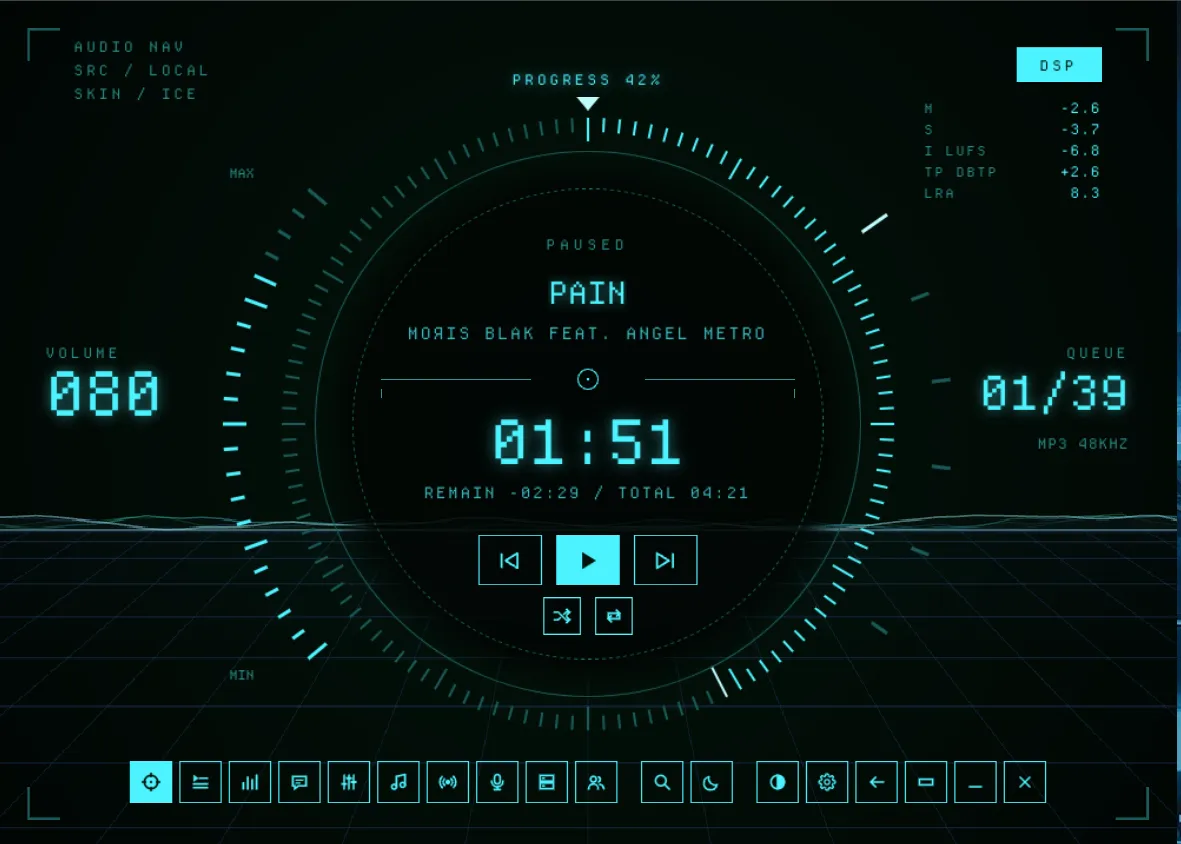
Grid HUD combines 4 color palettes, a full re-skin, and works with a custom visualizer to display a visualization on the Now Playing screen. Reticule ticks can be clicked and dragged to adjust volume and move the play head.
Install and enable the Grid HUD Terrain visualizer as a plugin for the full experience.
Install
- Download
grid-hud-player.zipfrom the latest release. - Import it from Settings -> Appearance -> Skin packages -> Import .zip.
- Pick HUD Player under Skins -> Layout.
Skipping the layout gives only the theme colors, not the full re-skin.